Enterprise device onboarding is a critical yet often friction-prone function. As Steve Driscoll, Samsung ZTM director of sales, notes: "Businesses often continue to adopt decades-old practices. They log into different systems. Those systems are siloed, and their data is fragmented." This can lead to a range of costly downstream issues.
There are practical steps enterprises can take to optimize onboarding workflows. Read on as we cover them.
Enterprise device onboarding: Common failure points
Manual device provisioning across disconnected systems creates predictable failure points. These include the following.
-
1. Cross-departmental coordination
Device procurement and setup typically involve HR, IT, procurement, and logistics teams. Coordinating handoffs between these groups is complex and prone to misalignment. This misalignment can lead to operational gaps, including missed notifications and delays in equipment assignment.
For example, if HR activates a new employee profile but IT is unaware, a device order may never be placed. Similarly, separate procurement and fulfillment systems can cause delays if not synchronized. This lack of coordination means teams are resolving process gaps reactively rather than executing proactively. -
2. Manual provisioning at scale
Manually preparing individual devices is time-consuming and unscalable. Every device requires intervention (configuration, testing, and enrollment) by IT staff. When volume increases, repetitive staging tasks consume technical resources that could be allocated elsewhere.
This can create costly bottlenecks: each device depends on manual steps, such as policy deployment and application provisioning. Particularly in distributed or high-growth environments, the process can quickly become unmanageable—with devices accumulating at each stage. -
3. Data accuracy across systems
Enterprises often maintain user and asset records across multiple systems (HR platforms, asset inventories, device management tools, telecom carrier systems, etc.). Without integration, user and asset data across these systems can become inconsistent.
Discrepancies in user attributes or asset identifiers require manual remediation. These mismatches can disrupt provisioning: a device may be assigned incorrectly, or the wrong security profile applied. Left unresolved, data errors propagate across systems and delay onboarding.
Downstream consequences of onboarding delays
Enterprise device onboarding challenges involve downstream—often compounding—issues. These include the following.
-
1. Reduced new hire time-to-productivity
New employees expect fully provisioned devices on day one. Any delay in deployment reduces their ability to perform. If a device remains unprovisioned into the second week, the resulting productivity loss can become substantial and costly.
Repeated onboarding problems hurt morale, too. Staff may grow frustrated and disengaged if basic tools are not available on the start date (or very soon after). A smooth provisioning process ensures new hires contribute immediately rather than waiting on IT support. -
2. Increased IT support demand during onboarding
When device handoff is inefficient, IT teams absorb the overhead. Help desk ticket volume increases as new employees encounter onboarding issues. IT staff spend their time troubleshooting misconfigured devices or handling urgent requests (rather than higher-priority work).
Administrators often resort to repetitive swivel-chair work: logging into multiple portals and systems to push profiles, track deliveries, and resolve issues. This manual overhead adds to the support workload and diverts resources from higher-priority projects. -
3. Fragmented department alignment
Device onboarding spans multiple departments and stakeholders. When process steps are missed or out of sequence, coordination breaks down. A common example: HR confirms a start date before IT has initiated equipment ordering.
This misalignment requires managers to manually track outstanding items. Disconnected workflows means no shared visibility into the full onboarding pipeline, and operations default to reactive rather than structured execution.
Characteristics of a structured device onboarding workflow
A structured onboarding workflow standardizes each stage of provisioning into a single coordinated process. This involves automating triggers from HR systems, procurement from telecom carriers or resellers, integrating with enterprise mobility management tools, and maintaining visibility from order to activation.
-
1. HR-triggered device provisioning
Onboarding tasks initiate automatically based on HR events. When the HR system registers a new hire or role change, it triggers the provisioning workflow. ServiceNow HR lifecycle events can trigger Samsung SDS Zero Touch Mobility (ZTM) to initiate device ordering and configuration.
When a new employee record is created, ZTM initiates hardware ordering and enrollment workflows. This removes manual handoffs at the start of onboarding and keeps each step in sequence. -
2. Automated enrollment and configuration
Once ordered, devices enroll in the corporate environment without manual setup. Zero Touch Mobility integrates directly with EPP platforms (such as Apple Business Manager and Knox Mobile Enrollment) and UEM platforms (such as Microsoft Intune and Samsung Knox Manage) to deploy enrollment profiles and security policies.
On activation, each device receives its configuration and applications automatically. Native UEM integration removes the need for a manual settings application, and every device follows the same policy-driven setup path. -
3. Order-to-activation tracking
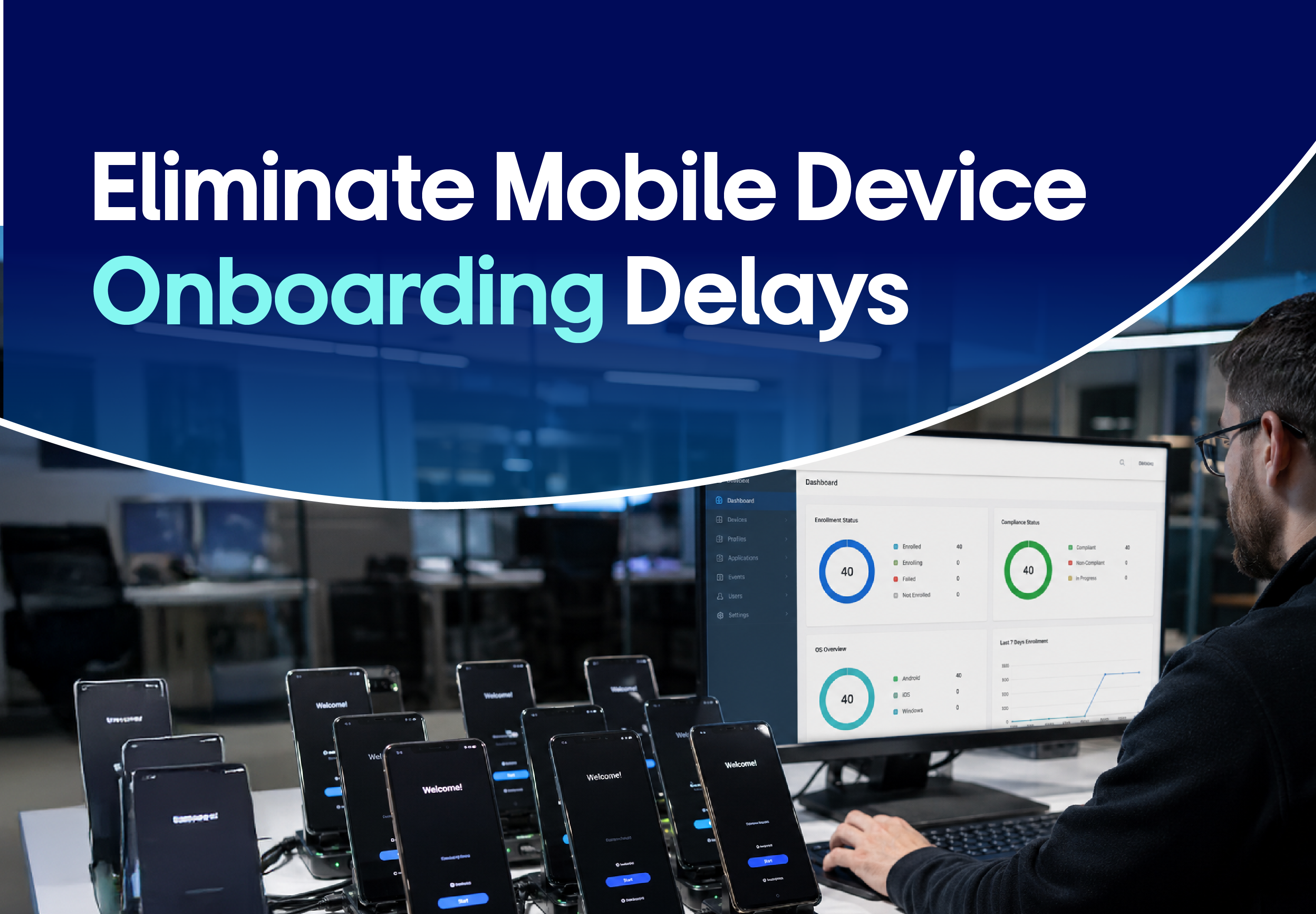
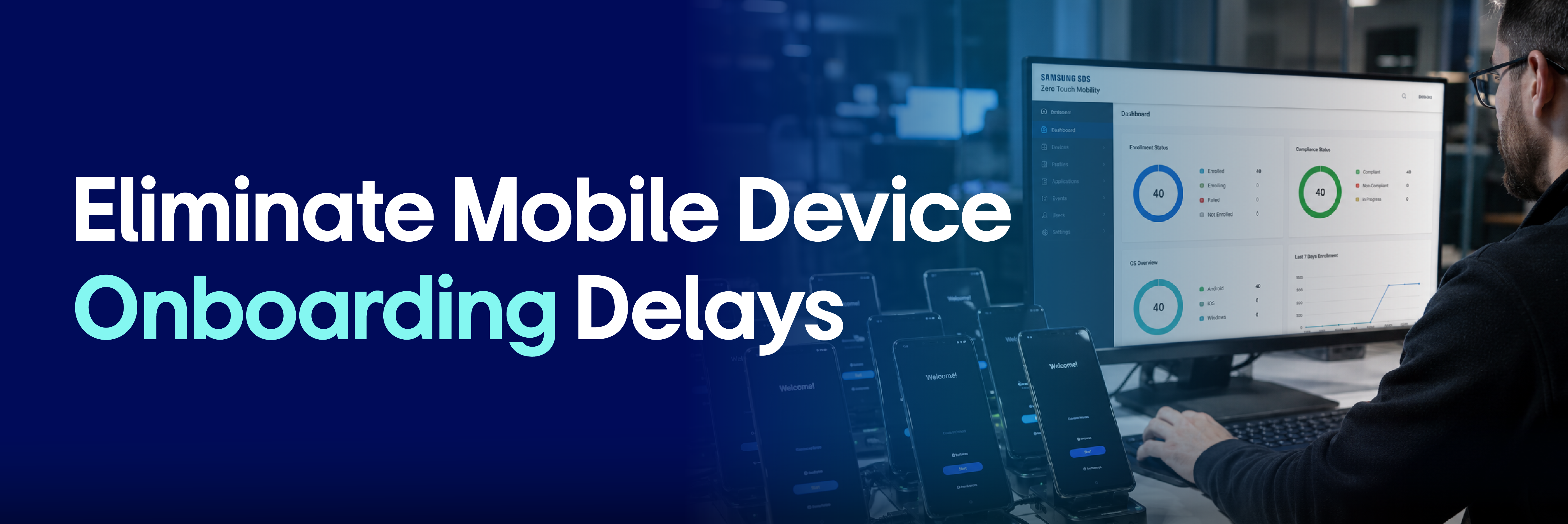
End-to-end visibility is a core requirement in a structured workflow. Samsung SDS ZTM provides real-time device status dashboards inside ServiceNow, giving teams visibility into every device across the pipeline.
Managers can monitor orders, identify incomplete steps, and catch issues early. Order-to-activation tracking gives all stakeholders consistent visibility into each device's status.
How lifecycle automation addresses onboarding complexity
Enterprises share a common frustration: dependency on manual coordination across disconnected systems. Or as Steve Driscoll puts it: “waiting on someone in HR on PTO who had the spreadsheet with all the mobile devices on it.”
Samsung ZTM’s lifecycle automation addresses this by connecting each step in a single system. A unified workflow replaces manual coordination across disconnected mobility systems, handling each provisioning step automatically—HR triggers, device ordering, configuration (via Intune or Knox), asset record updates, and other actions.
Samsung ZTM: Automated device onboarding, at scale
Samsung SDS Zero Touch Mobility is designed to scale enterprise device onboarding without bottlenecks. As a ServiceNow-native solution, it embeds provisioning workflows directly into your IT management platform.
ZTM lets you order, configure, and track each new hire's device automatically, eliminating manual steps. Administrators can deploy devices at scale while maintaining consistent policy enforcement and visibility across the pipeline.
📅 Simplify device onboarding with Samsung SDS Zero Touch Mobility
Save time, reduce manual setup, and get employees up and running faster. Request a demo or connect with our team to see how ZTM can help.