

Enterprise messenger for business will provide a key for your collaboration concerns
Brity Messenger is available free of charge for business customers looking to find a smarter way of collaboration in an era without the office walls.
Major Services
- Global Samsung 500,000 Users
- Daily outgoing conversation on average 40 million cases
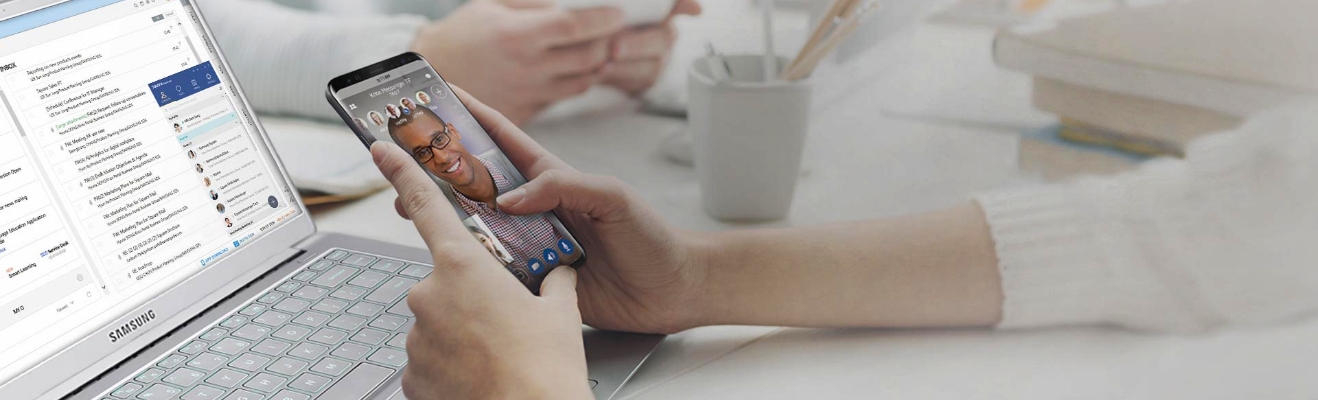
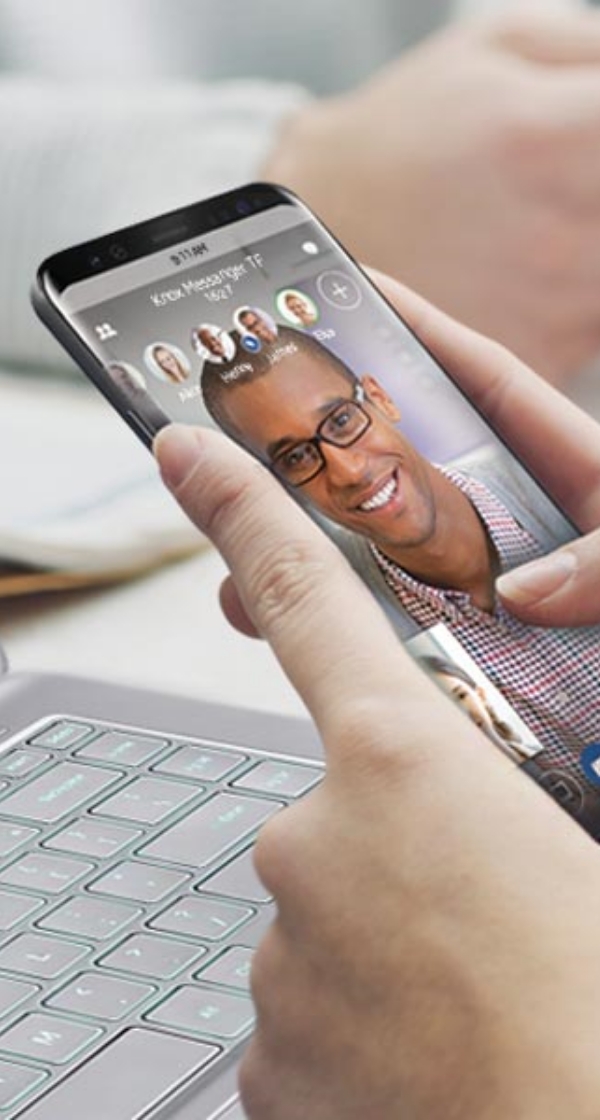
-
Easy and convenient start for everyone
Provide an administrator site to easily register company colleagues and set service environment. Our solution is intuitive and easy-to-use, meaning you don't require any separate training.
-
Collaboration-driven features
Share your voice, video, and screen with just one click to enjoy immersive collaboration anytime, anywhere. Take advantage of features designed to speed-up and fine-tune communication.
-
Protect data with powerful security
Prevent data leaks with chat encryption and secure storage. Empower users to protect their data with powerful features including secret chat and recall. Allow admin to flexibly set security levels depending on your business needs.
-
Continuous updates for better service
Harness the operational know-how and stability driving successful collaboration for global companies. New features, an including chatbot service and a chat based workspace, are scheduled to be released via continuous updates.
Features
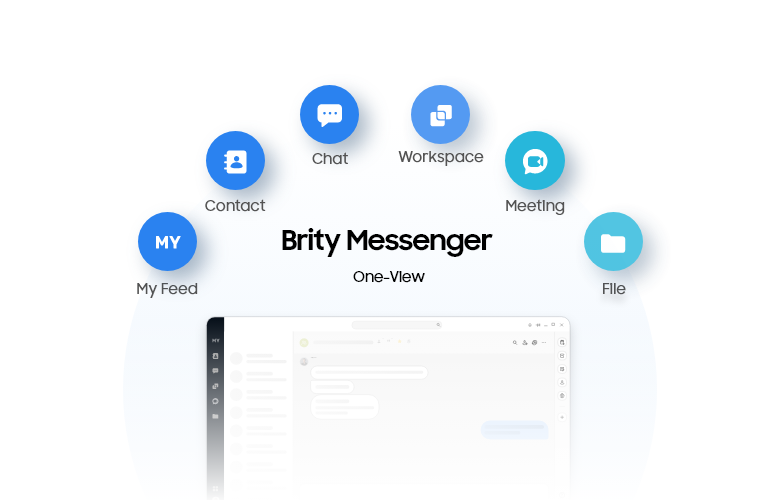
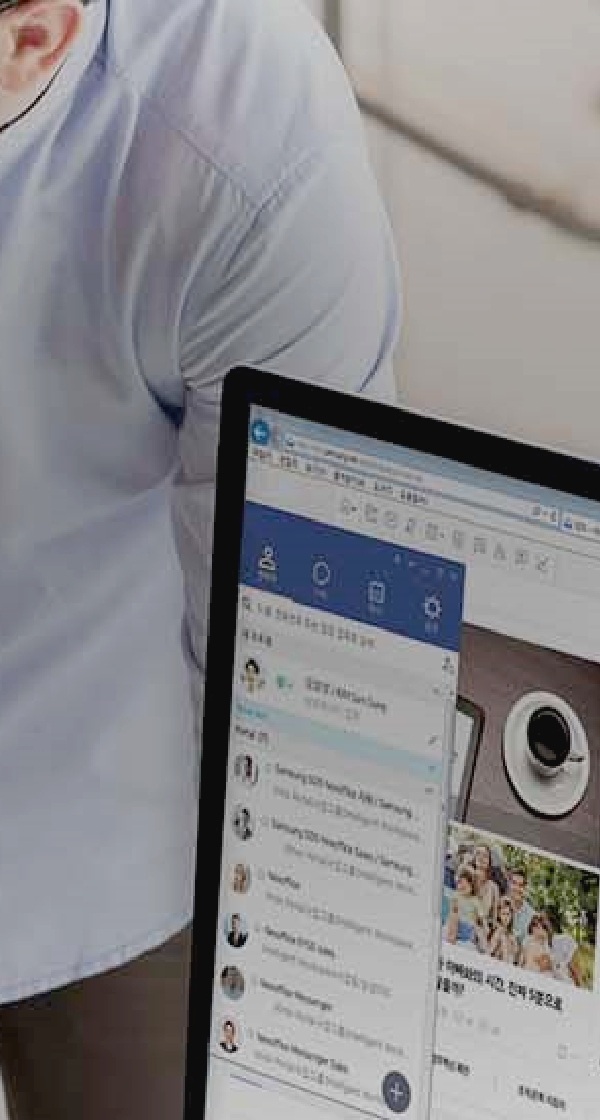
Brity Messenger one-view mode offers all brityworks services in one place.
It includes basic feature such as contact list and chat. One-view mode also offers other collaboration menu such as workspace (online collaboration space), meeting and file(Drive). Now you can easily use other brityworks solution in messenger.
(*Meeting, and Drive require additional subscription).
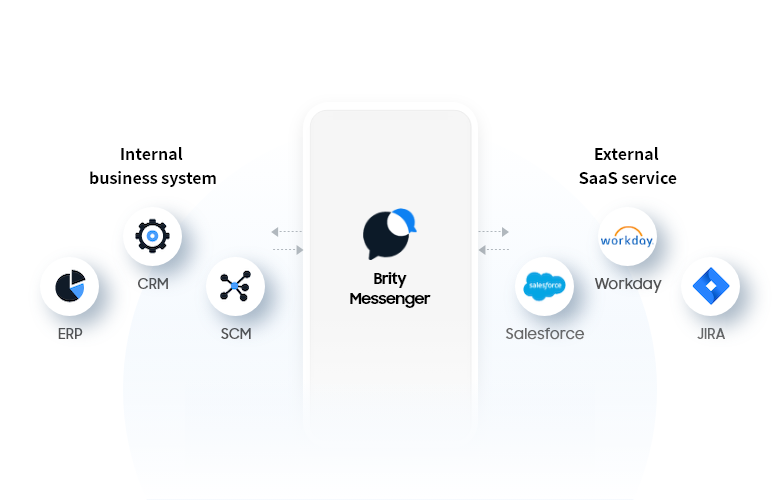
It provides an open API that can be integrated with internal systems or various SaaS solutions. This allows you to receive notifications or perform simple tasks through an app or bot connected to a linked business system, without the need to access a separate system.
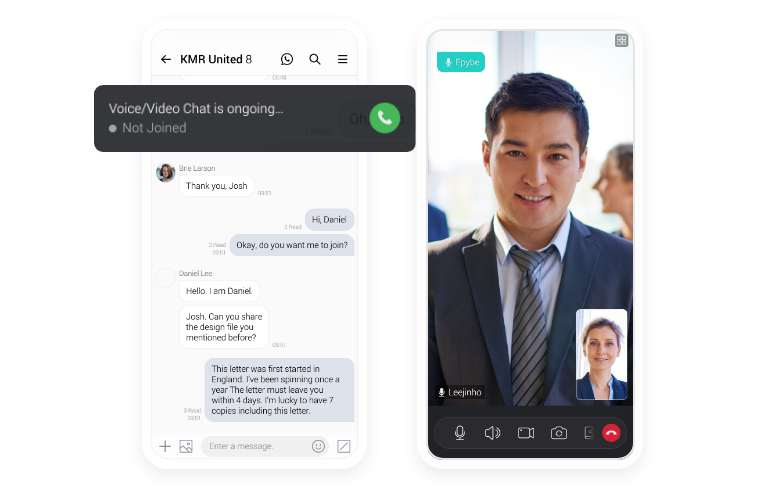
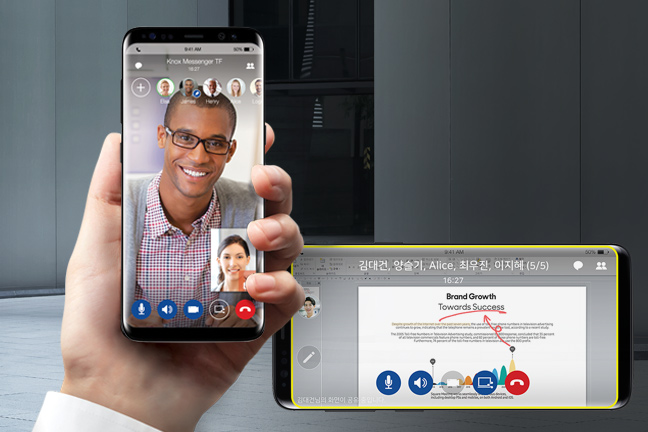
Audio, video, and screen sharing are all possible with just one click, without the need to install a separate app during the conversation. The contents of the messenger can be seamlessly transitioned to a meeting through the microphone and camera of the PC or mobile device that you are using. Additionally, if necessary, participants can share their screen and write notes on it during the meeting.
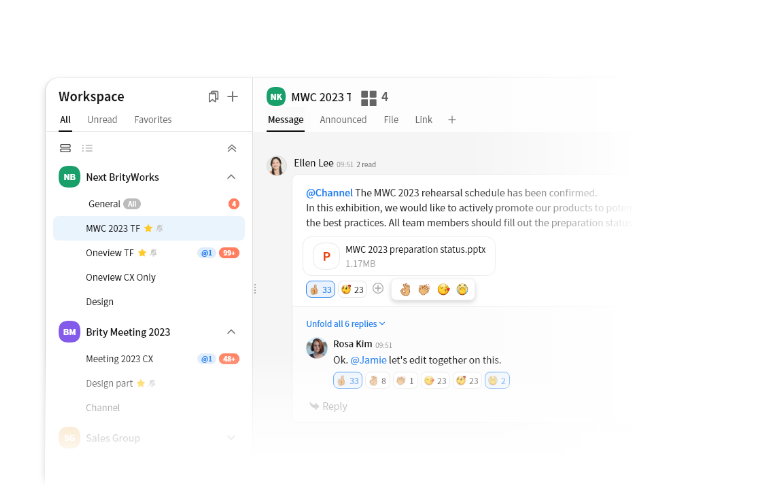
As online collaboration becomes increasingly essential, we offer a workspace where team members can collaborate effectively. By using this workspace, you can organize team members for each project and experience effective collaboration. Additionally, we have the option to invite external users such as customers and partners to collaborate with you if needed.
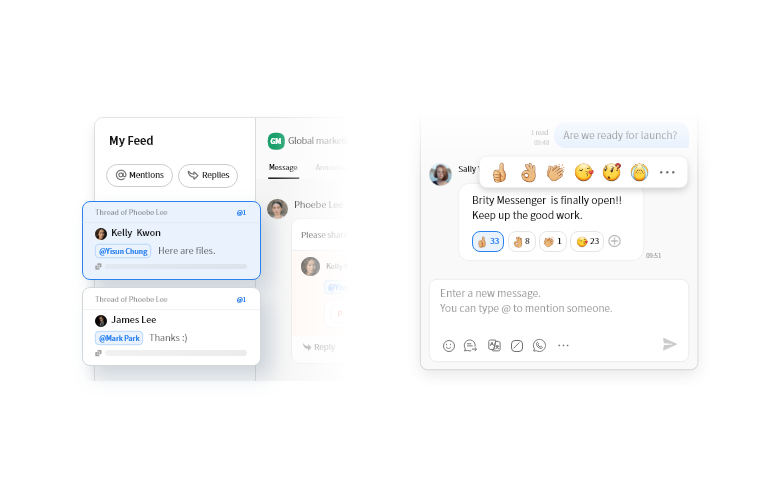
The '@mention' feature enables users to highlight or call a specific person, and the recipient can easily view the mentioned message from the MY feed. Additionally, using emoji reactions for particular messages can enrich online communication that might otherwise lack emotional cues. When necessary, team members' opinions can be quickly gathered using the survey menu.
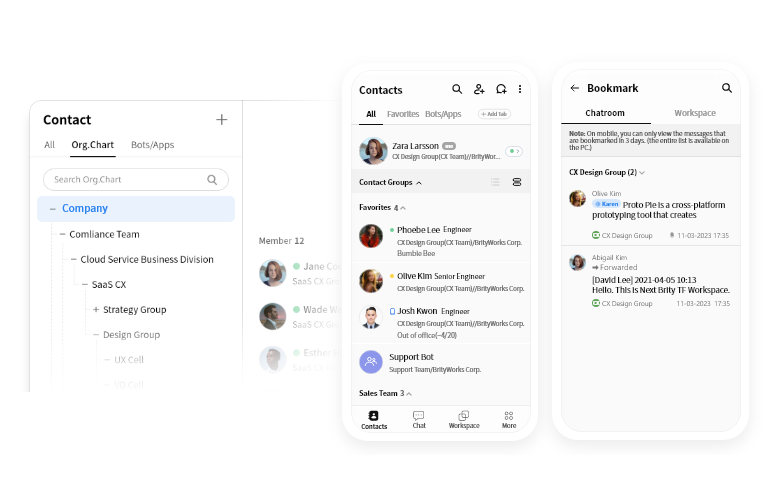
Brity messenger offers features beyond those of standard messaging apps. You can check status of your team member anytime (vacation/on mobile/working from home etc). The messenger also offers business-friendly features forsuch as organization charts , viewing messages before joining the chat, bookmarks, and notification for selected keywords. These functions promote ffective communication between team members.
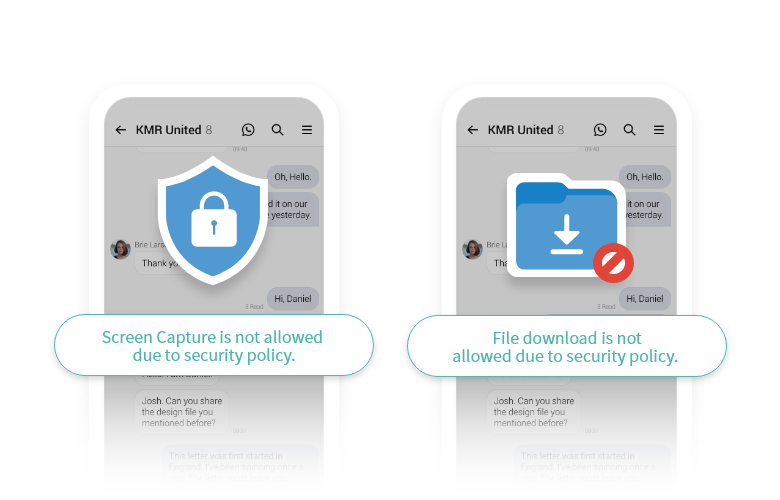
To ensure secure communication, data can be encrypted using AES256-Bit and SHA 256-Bit algorithms. Sensitive conversations can be protected through a secret conversation function that's stored on the device. Moreover, we provide additional security options upon request such as unauthorized access prevention and download controls.
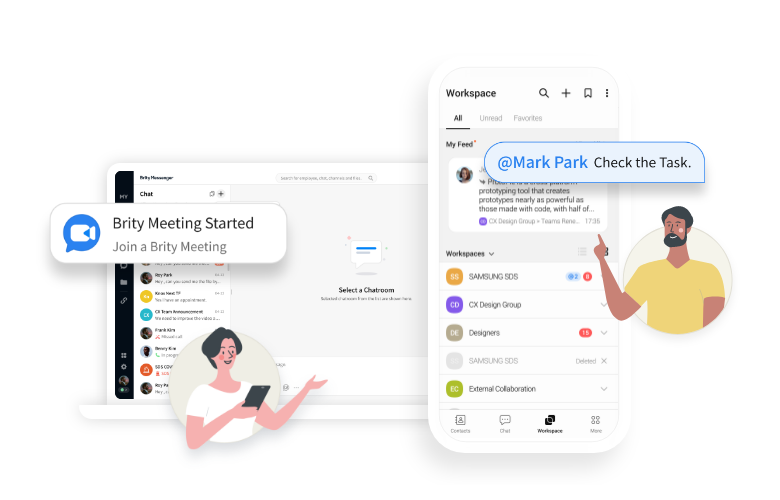
It provides the same features and usability on both PCs and mobile devices, enabling you to continue business conversation when working outside of office or on even during business trips.
Use Cases


Case Studies
Awards
Samsung SDS acknowledged by global experts
The'Virtual Personal Assistant', the future concept of Samsung SDS Collaboration Solution, won the Best of the Best Award, the best design award in the 2019 Red Dot Design Awards, 『Design Concept』
The'Virtual Personal Assistant', the future concept of Samsung SDS Collaboration Solution, won the Best of the Best Award, the best design award in the 2019 Red Dot Design Awards, 『Design Concept』Guideline

Learn more about Brity Messenger.

Download Brity Messenger on your PC or mobile phone.

Learn basic usage of the service.
Related Website
Meet the latest news and smart tips of Brity Works
Learn moreRelated Offerings
Find out more about our offerings
All-in-one collaborative work solution of Brity Works
Learn moreWeb conference solution of Brity Works
Learn moreFile centered collaborative work solution of Brity Works
Learn moreGenerative AI-based Collaboration solution
Learn more

Whether you’re looking for a specific business solution or just need some questions answered, we’re here to help